Get started: from new workspace to first invoice
Set up your services and settings, add a client, invite a cleaner, schedule a visit, and turn the finished job into an invoice.
Check your services and settings
Open Services. Your workspace starts with three services you can edit: Standard cleaning ($150, 120 minutes), Deep cleaning ($250, 240 minutes) and Move-out cleaning ($350, 300 minutes). These prices are starting points, not recommendations, so change each name, price, duration and checklist to match what you sell. A checklist can hold up to 30 items. Then open Settings and confirm your business details, time zone, invoice tax rate and payment instructions.
Add your first client
Open Clients and use Add a client. Name, email and service address are required; phone and notes are optional. Keep door codes and alarm codes out of notes. To bring in an existing list, see the import guide.
Add a cleaner and send their invitation
Open Team, use Add a cleaner, then choose Create invitation link. MaidCamp shows a private link that expires after 7 days; send it to the cleaner yourself. The cleaner's email cannot already belong to another MaidCamp account. During the trial and on Pro you can have up to 10 active cleaners.
Schedule the visit
Open Schedule and choose Schedule a clean. Pick the client, the service, the appointment date and time, and a cleaner (or leave it Unassigned). Under Repeat, choose One time, Weekly, Every 2 weeks or Monthly; for a repeating visit, set the Number of visits (up to 24). Add any Instructions for the cleaner, then select Create scheduled job. If the cleaner is already booked at that time, MaidCamp shows a conflict; pick another time or cleaner.
Complete the job
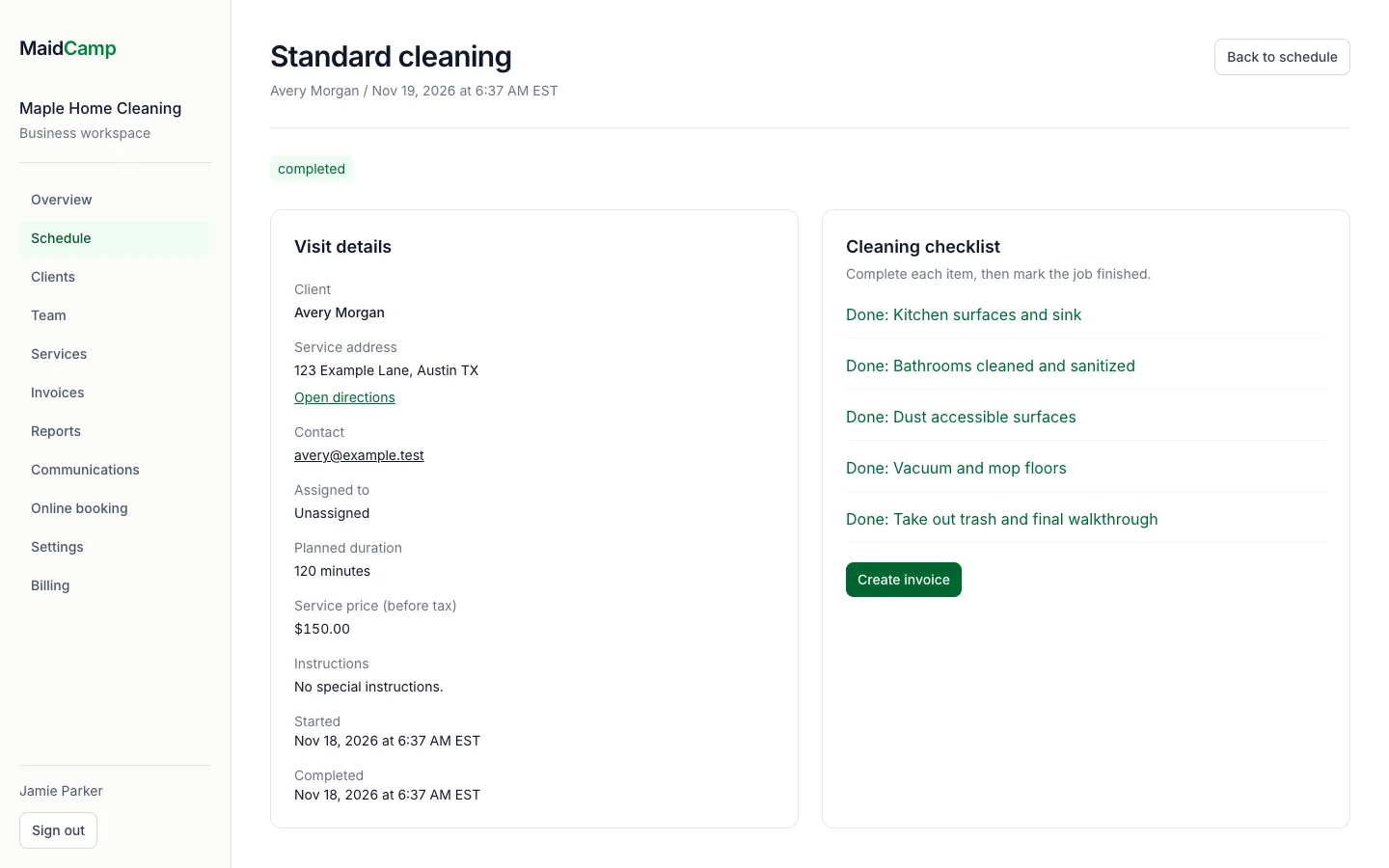
The cleaner signs in from a phone or computer browser and opens the visit. They select Start job / clock in, mark each checklist item Done, then select Complete job / clock out. A job cannot be completed until every checklist item is done. As the owner, you can open the job and do the same.
Create the invoice
Open the completed job and select Create invoice. The invoice uses the visit price plus your invoice tax rate and is due 14 days after it is created. The payments guide covers sharing it and recording payment.